Ninja Slideshow
A full-screen slideshow player for exhibitions and galleries
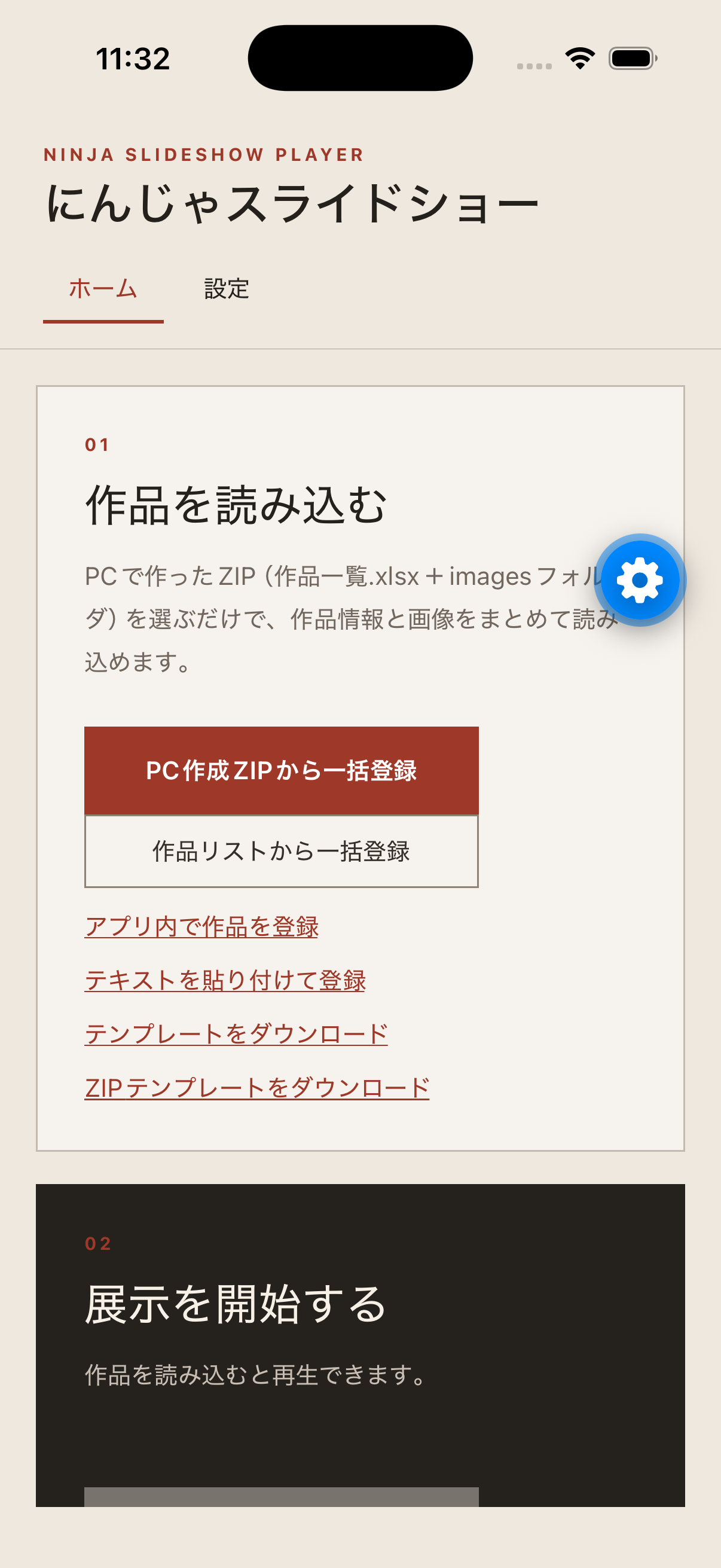
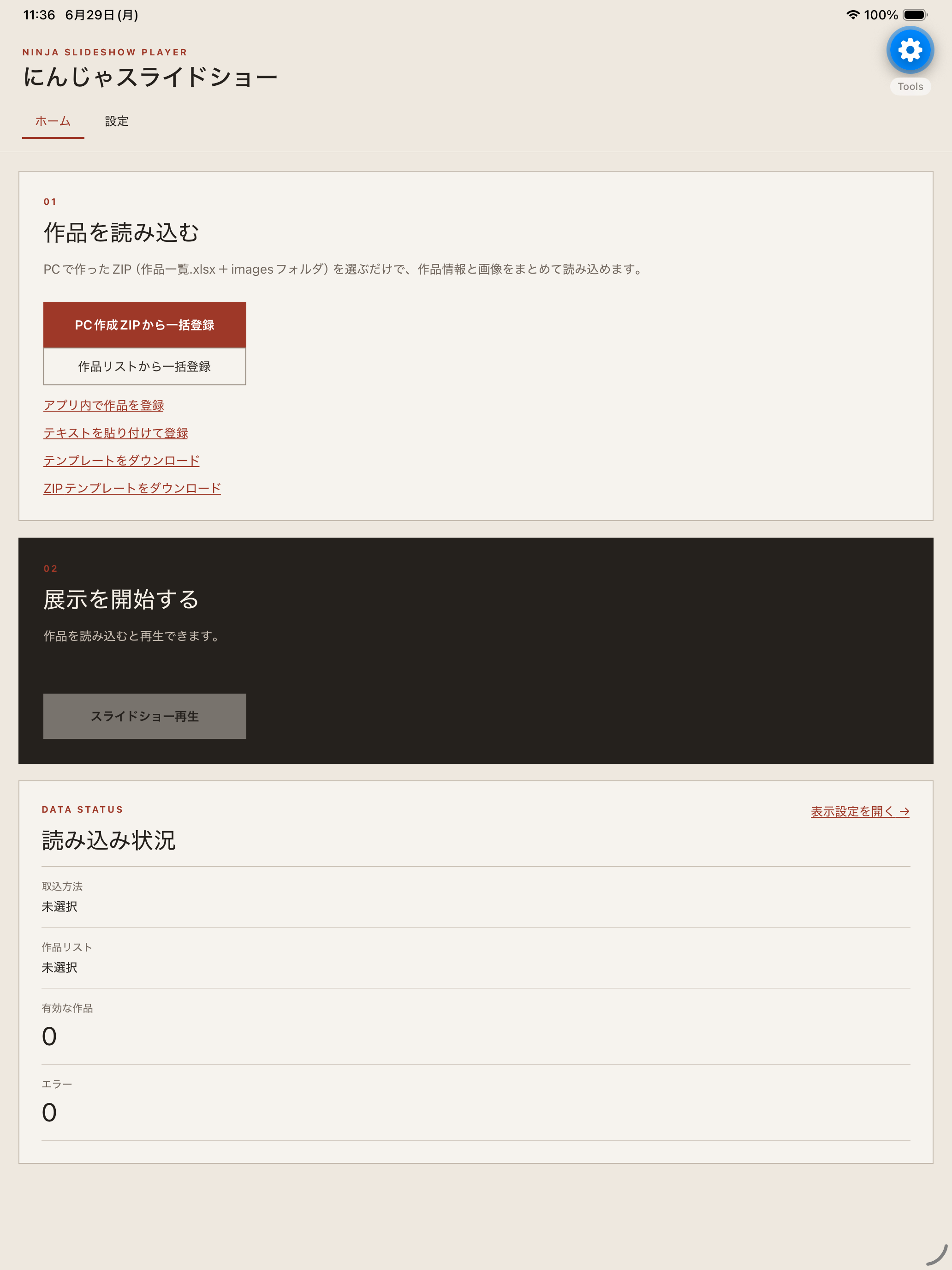
Ninja Slideshow imports artwork lists and images from Excel, CSV, TXT, Markdown, or ZIP files, then displays artworks full-screen on iPhone and iPad. It supports portrait and landscape layouts, autoplay, transitions, title panels, date badges, and QR codes for X accounts.
Built for Exhibition Playback
The app imports artwork data and images in bulk, then keeps playback settings and artwork information on the device for the next launch.
How to Use
Save a template from the app and prepare an artwork list and images.
Import artworks from the recommended PC-created ZIP or by selecting a list file and images.
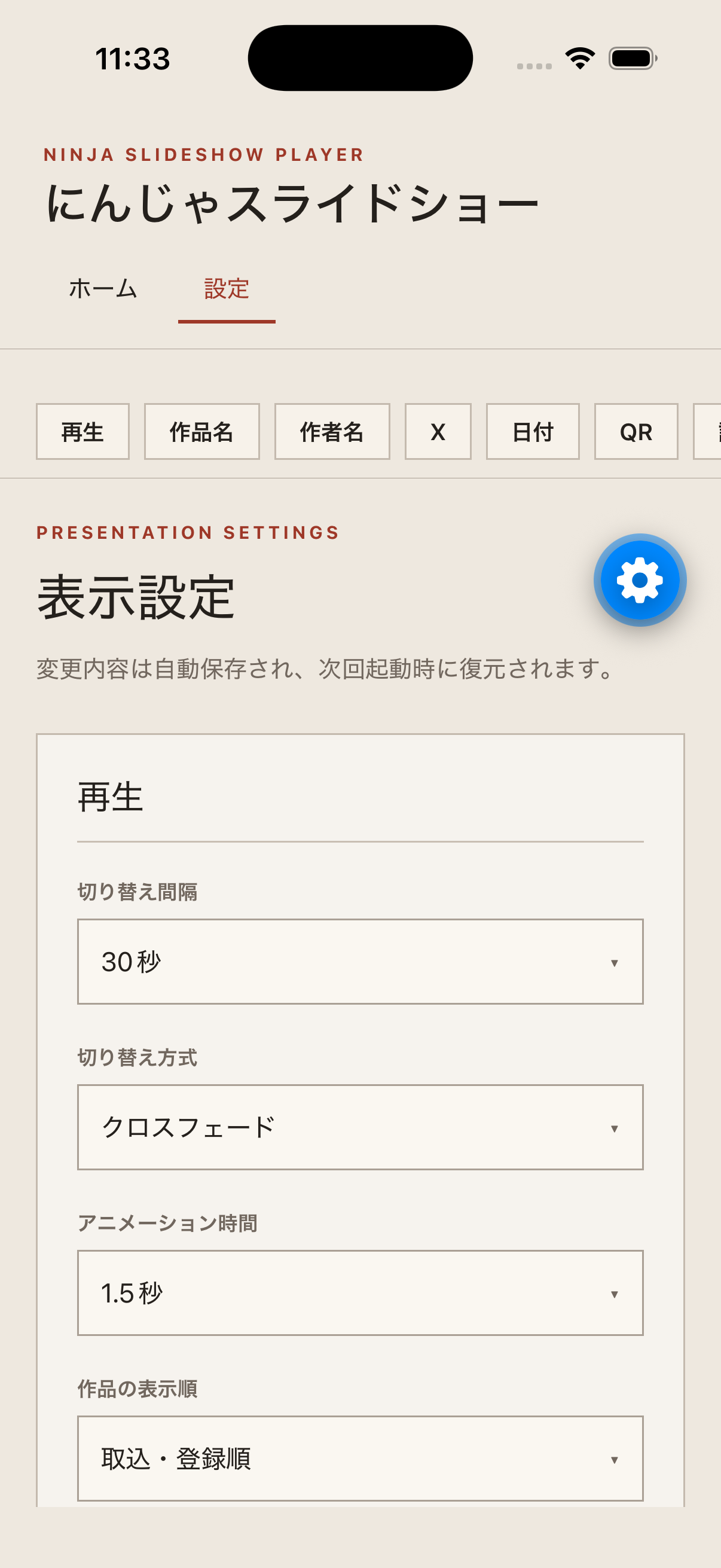
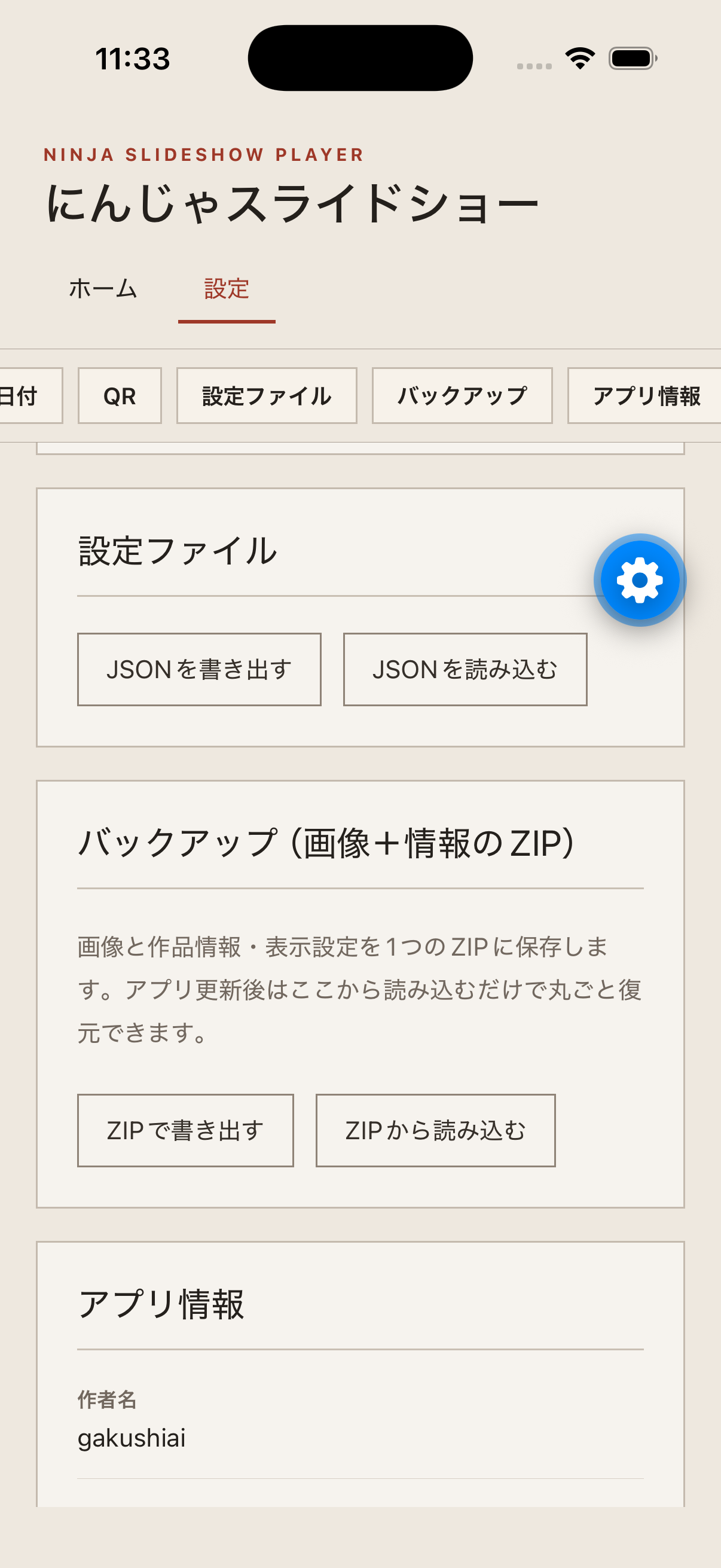
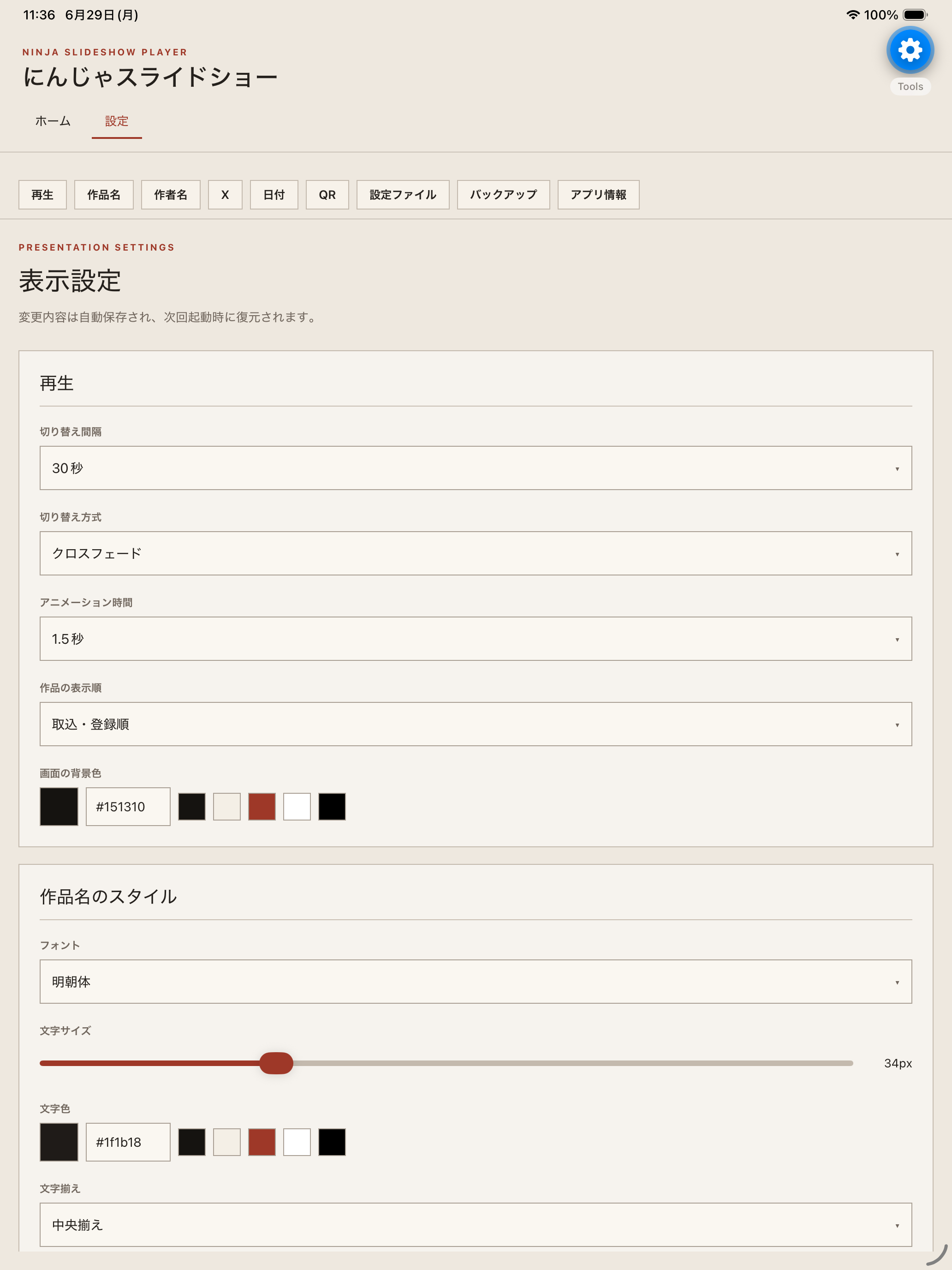
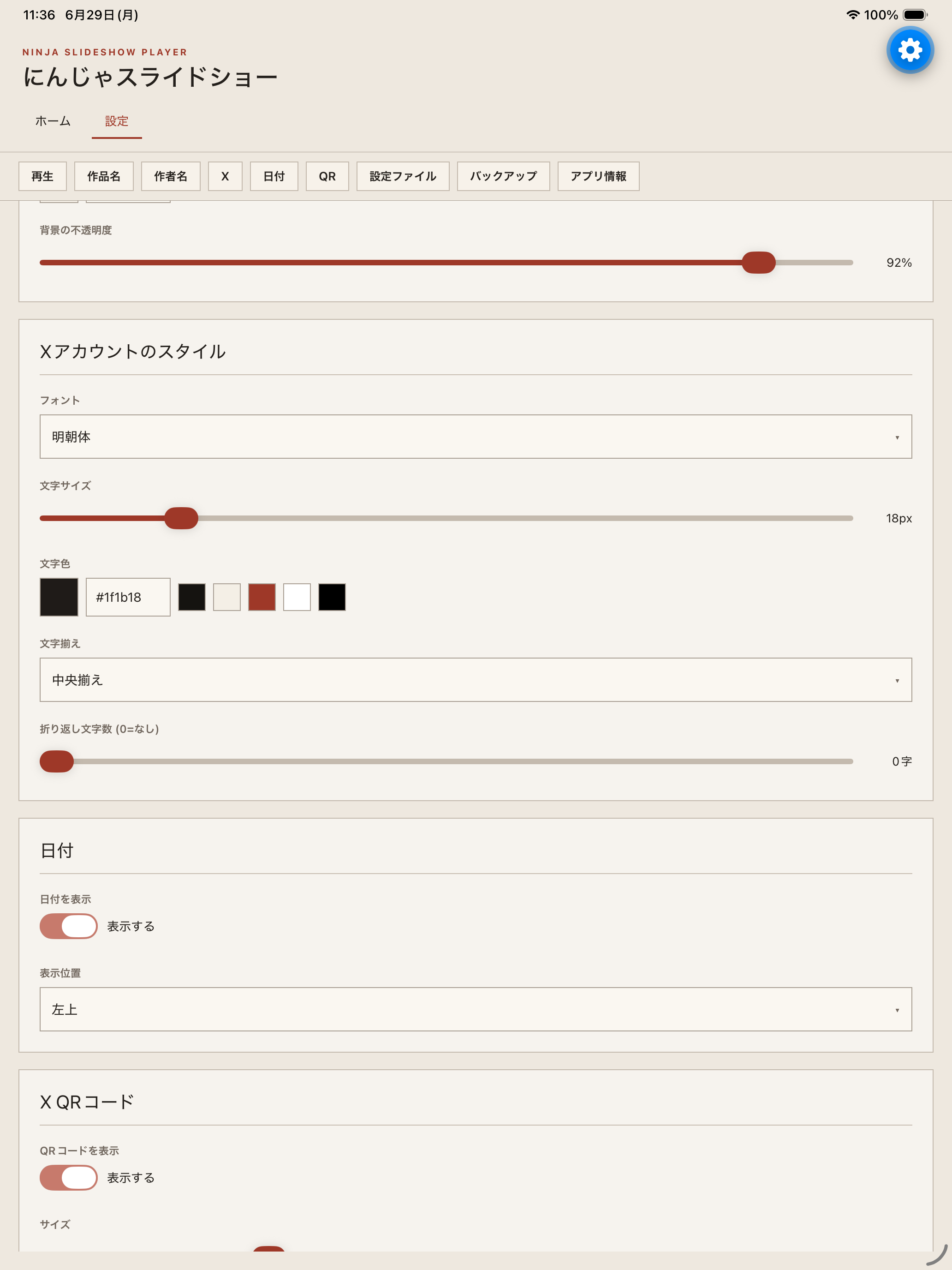
Adjust title panels, background color, transitions, and QR code display as needed.
Start the full-screen slideshow from the home screen.
Support
Thank you for using Ninja Slideshow. For bug reports, questions, or support requests, please contact us at the email address below.
- App name: Ninja Slideshow
- App version
- iOS / iPadOS version
- Device model, such as iPhone 17 Pro or iPad Pro 13-inch
- Screen where the issue occurred
- Description of the issue
- Steps to reproduce if possible
Frequently Asked Questions
No artworks have been registered yet. Prepare an artwork list and images with a template, then import them from a PC-created ZIP or a list file.
Artwork information, managed images, and display settings are stored on your device. They are not sent to the developer server.
No. The app can be used without account registration or login.
No. The app is free and does not include in-app purchases, so there are no purchases to restore.
Data and settings stored on the device will be deleted. Export important data as an artwork list, image ZIP, or settings JSON before uninstalling.