Ouchi Wallet
Family allowance and points ledger
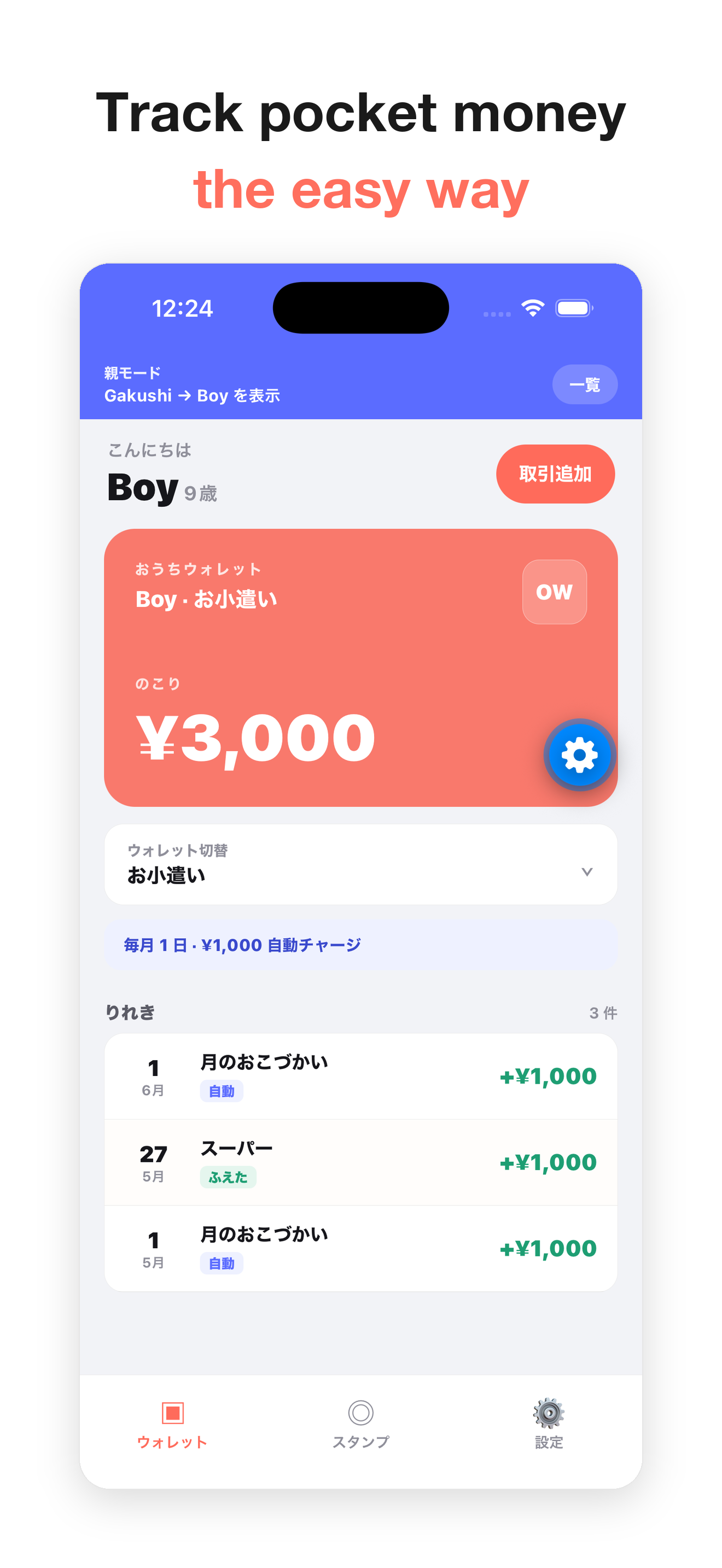
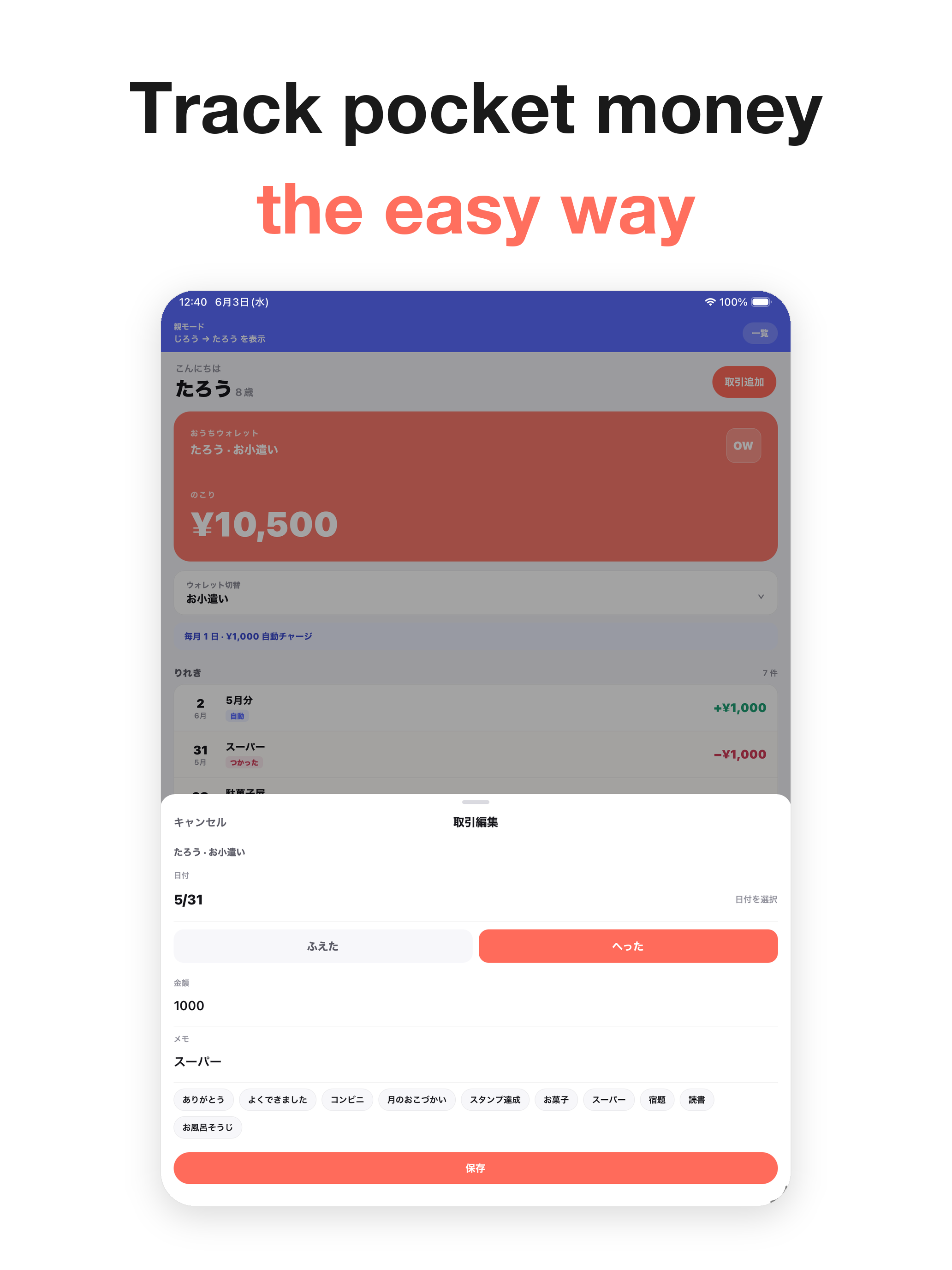
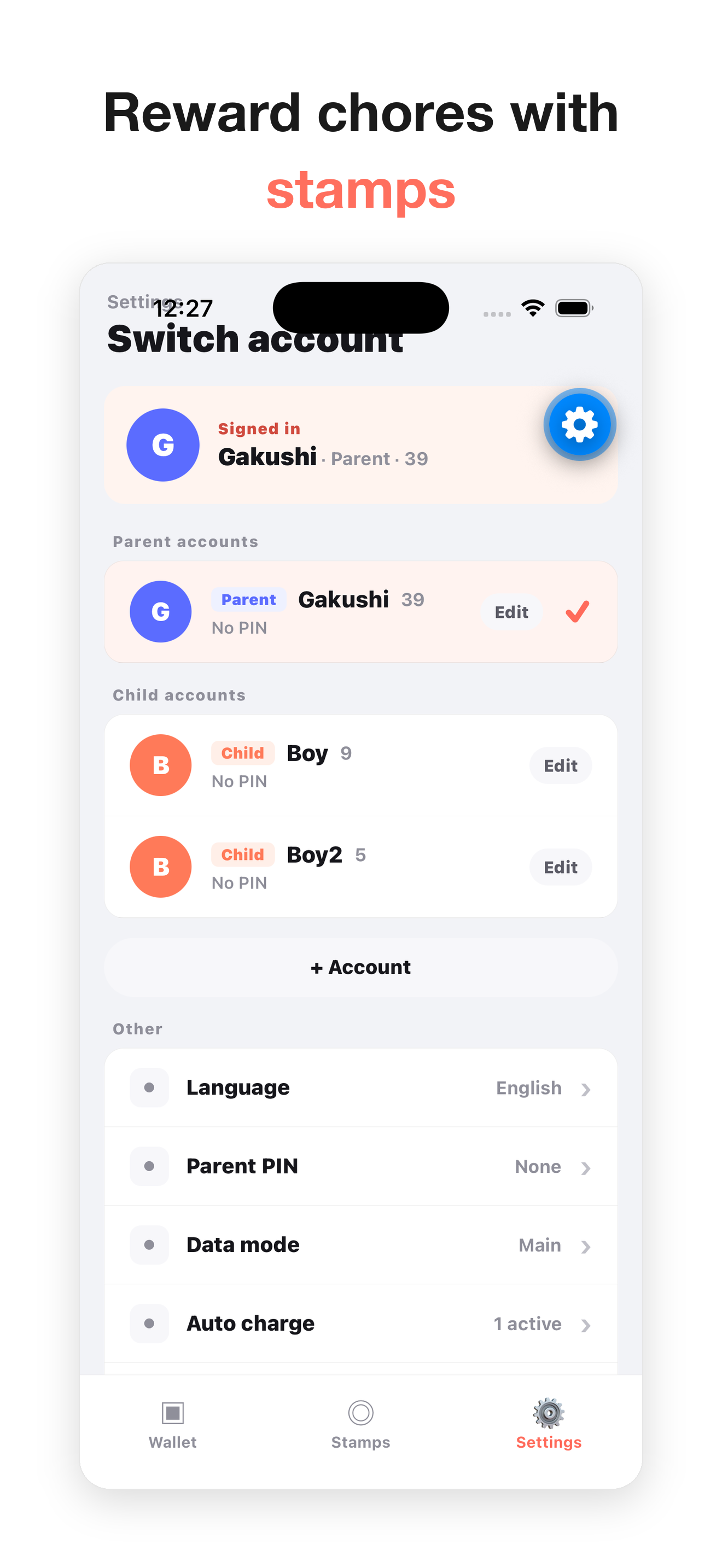
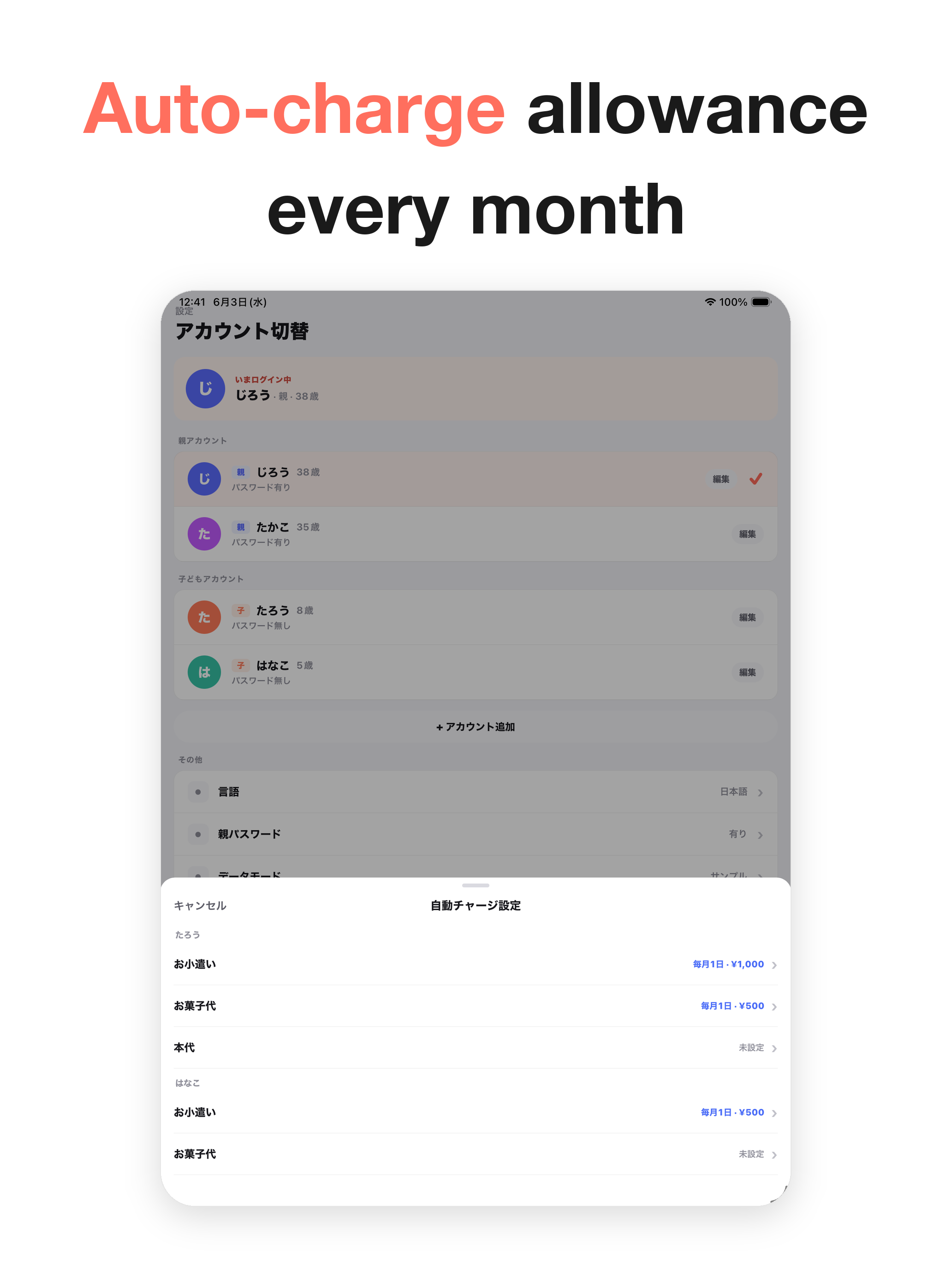
Ouchi Wallet is a local-first ledger app for recording family allowances and points. It does not connect to real electronic money, bank accounts, payment services, or point programs. Parent and child wallets, transaction history, auto charge settings, and stamp cards stay on the device.
A clear on-device ledger for family allowances
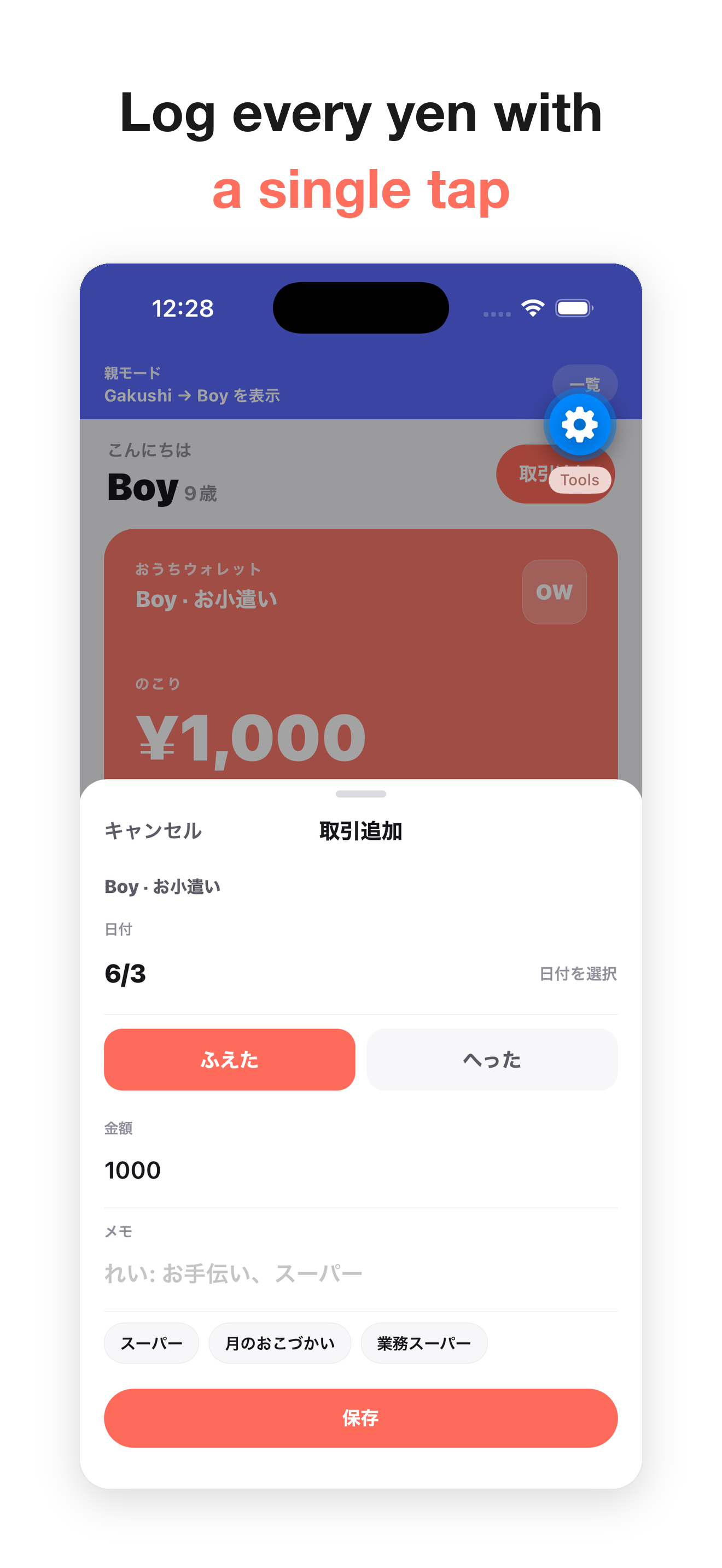
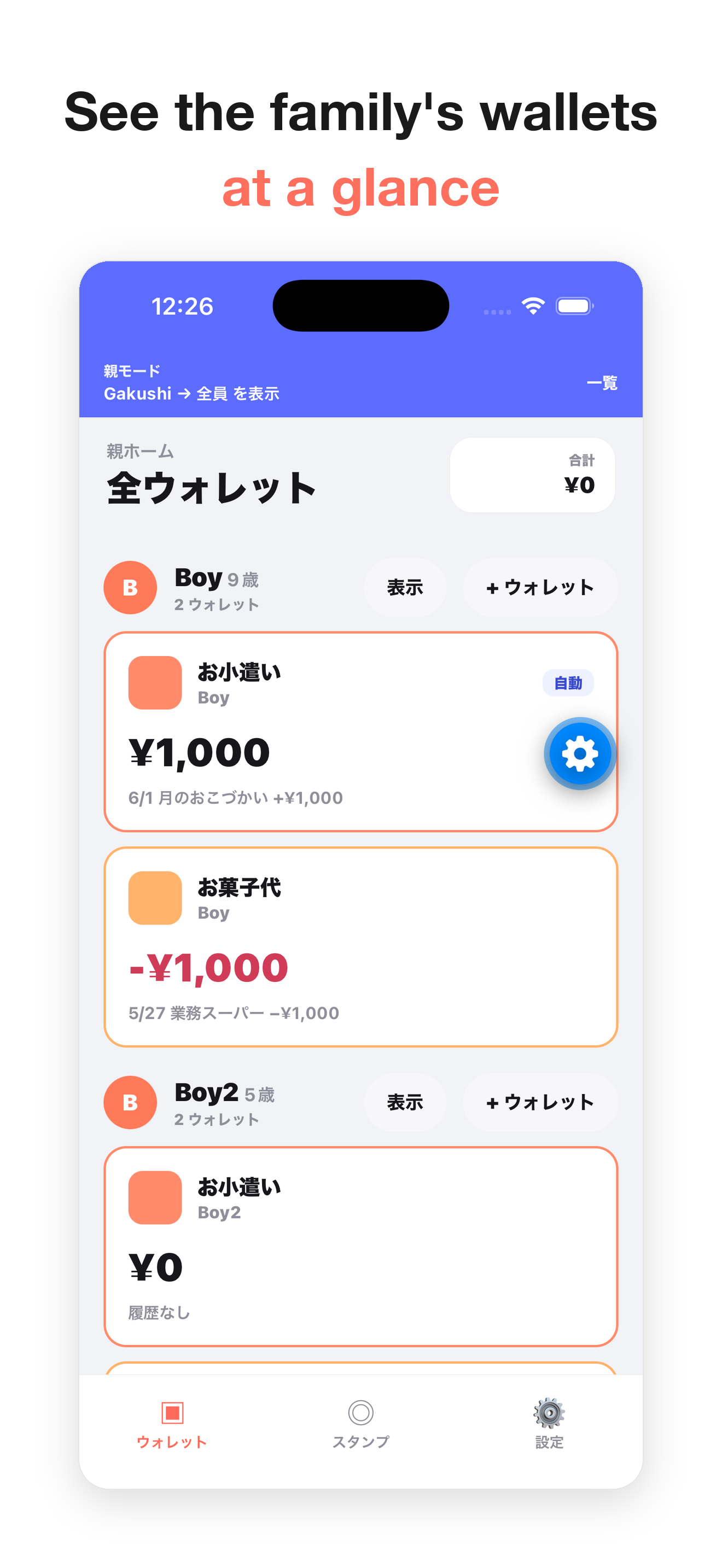
Manage parent and child accounts, wallet balances, added/spent records, stamp cards, scheduled allowance charges, and parent PIN protection. Balances and points are only household record values.
Ouchi Wallet Pro
Ouchi Wallet Pro is a one-time, non-consumable in-app purchase. Pro unlocks ZIP backup export for all wallet data and full data restore from a backup. Purchases and restoration are handled through Apple services.
Support
Thank you for using Ouchi Wallet. For bug reports, questions, or support requests, please contact us at the address below.
gakushijob@gmail.com
- App name: Ouchi Wallet
- App version
- iOS / iPadOS version
- Device model
- Screen where the issue occurred
- Description of the issue
- Steps to reproduce if possible
Frequently Asked Questions
Accounts, wallets, transaction history, auto charge settings, stamp cards, parent PIN, and purchase status are stored primarily on your device.
No external account registration or login is required. You can also start with the sample family for first-time use.
No. The app does not connect to electronic money, bank accounts, payment services, or point programs. It is only for household records.
Yes. Ouchi Wallet Pro is a non-consumable in-app purchase, so you can restore it from Settings when using the same Apple ID.
Deleting the app may remove on-device data that has not been exported or backed up. Please back up important data as needed.