Subscription Bubble
A local-first subscription manager that visualizes subscriptions as bubbles
Subscription Bubble displays active subscriptions as bubbles underwater, making monthly and yearly totals and upcoming renewal dates easy to review. Data stays on your device and no login is required.
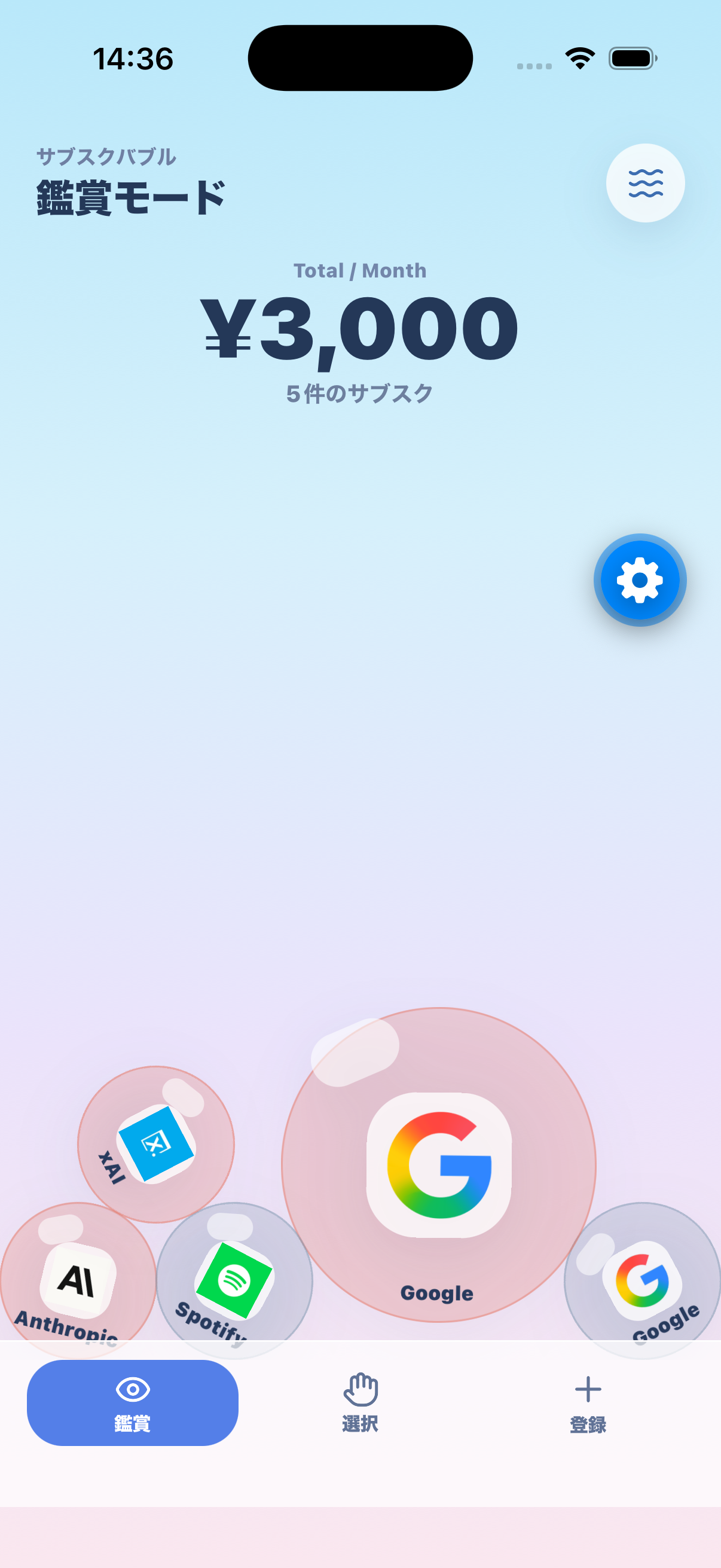
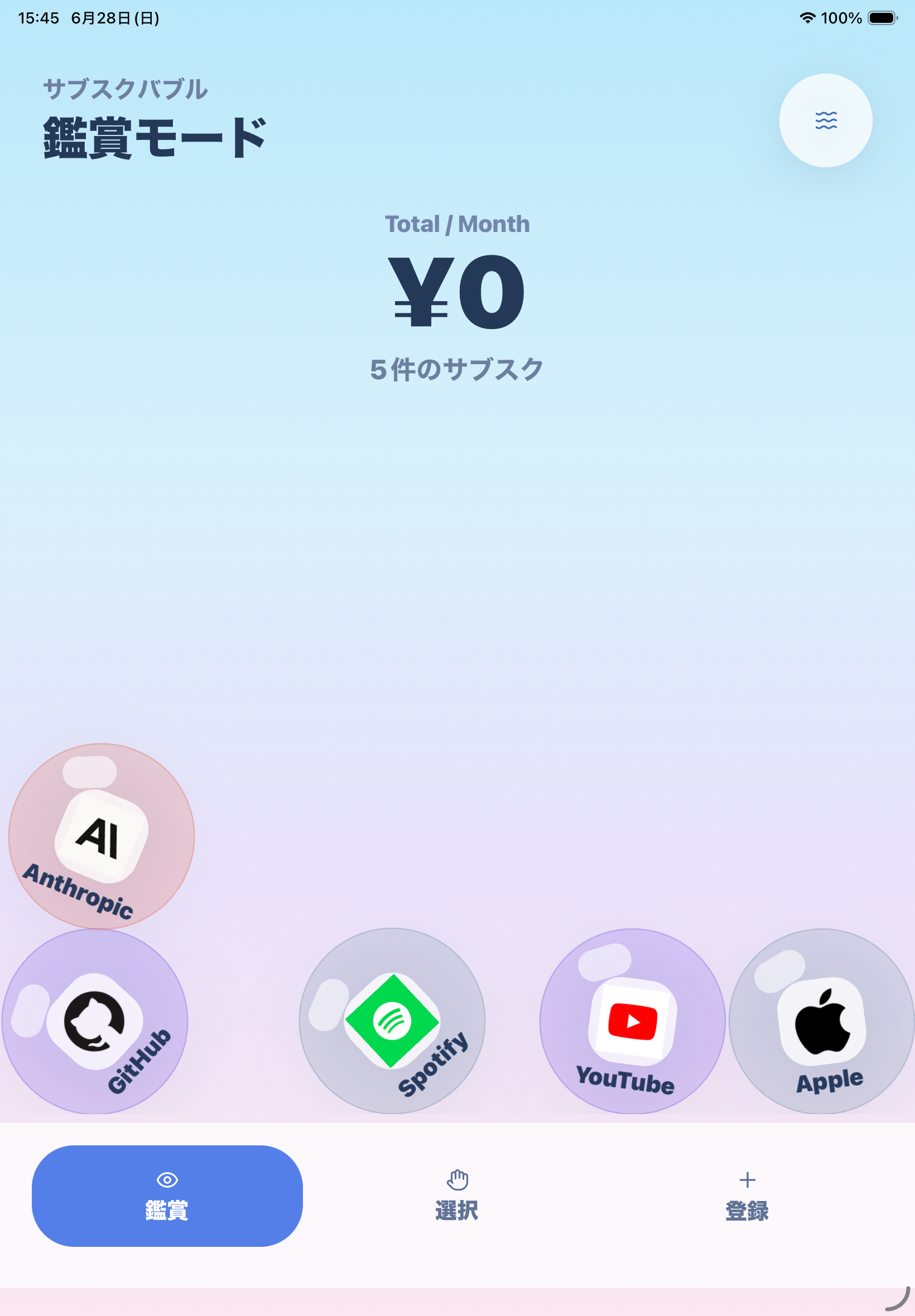
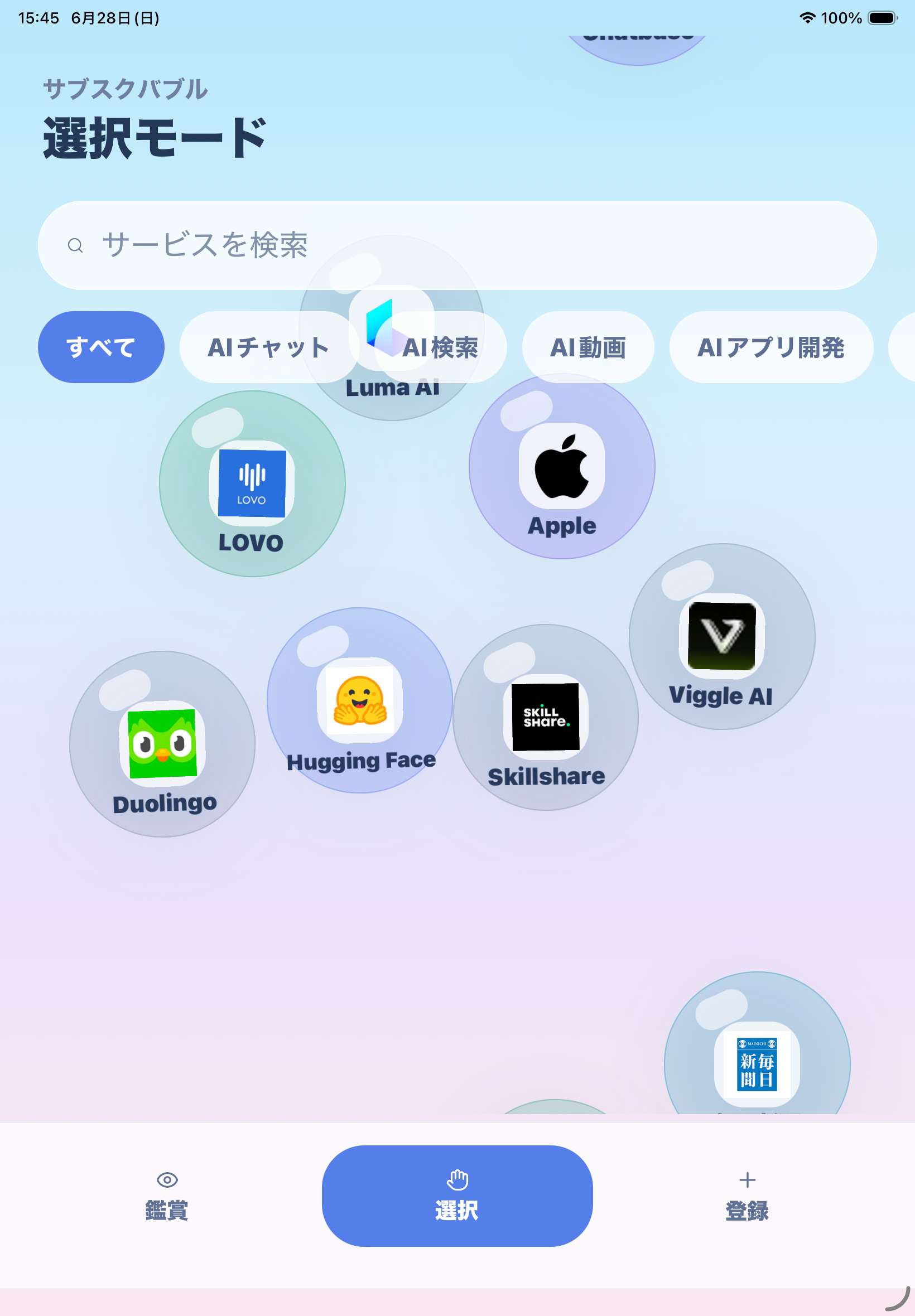
Visualize Subscriptions as Bubbles
Larger subscription amounts appear as larger bubbles, and monthly or yearly totals can be switched with one tap. The app includes 200 presets focused on AI services, and bubbles with renewal dates within 7 days glow yellow to help prevent missed cancellations.
How to Use
Tap a preset bubble floating on the screen to register it.
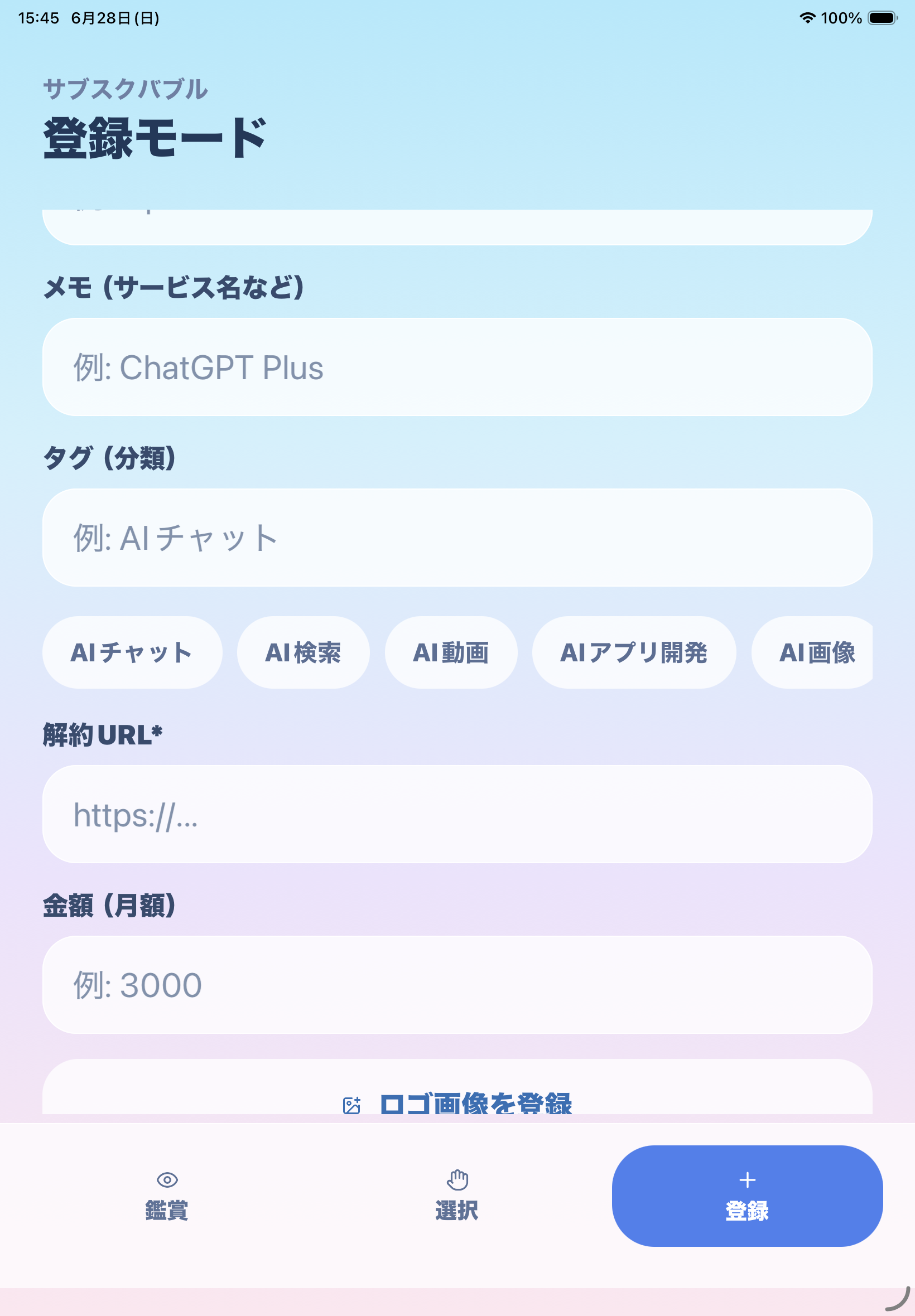
For services not included in presets, enter the name, amount, and renewal cycle manually.
Optionally save a logo image, cancellation page URL, and next renewal date.
Switch monthly and yearly totals while reviewing active subscriptions.
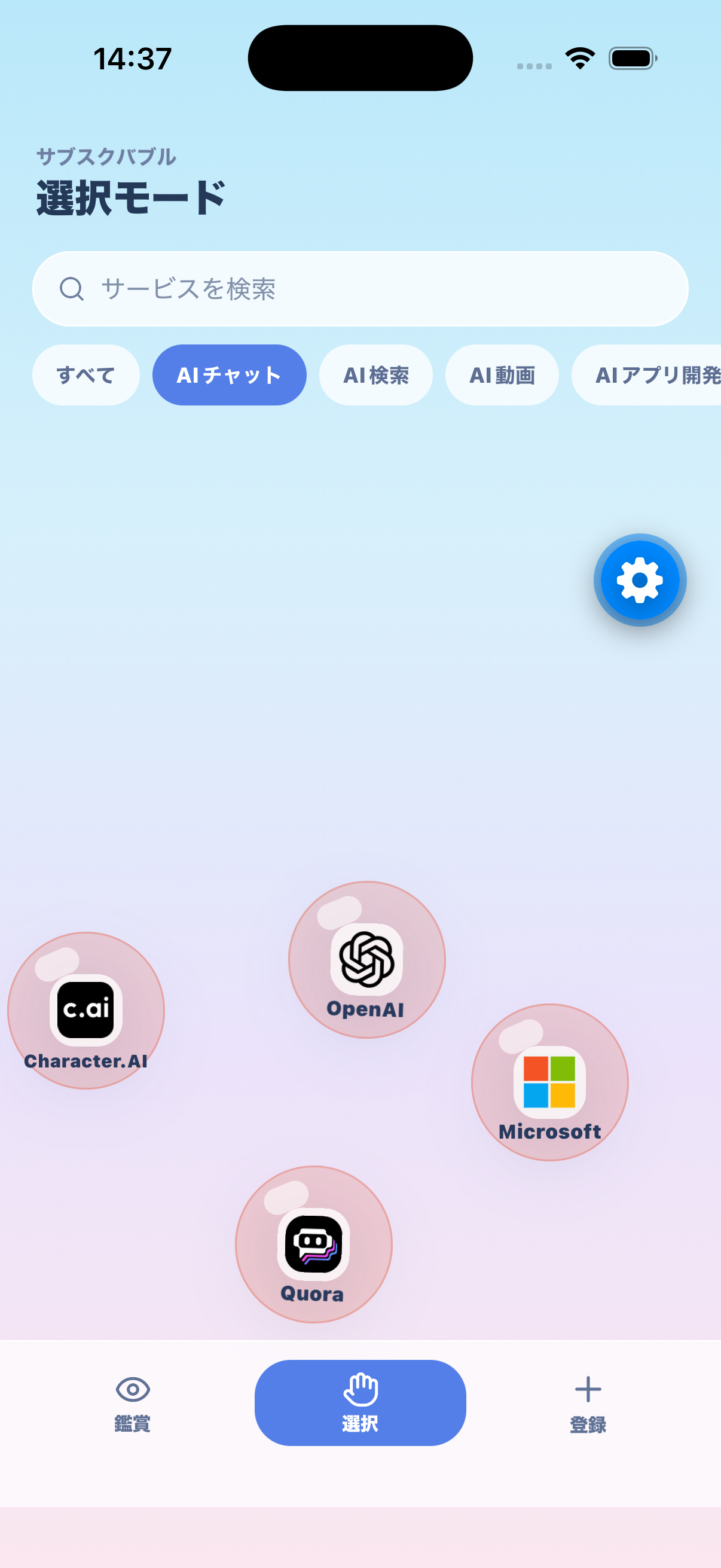
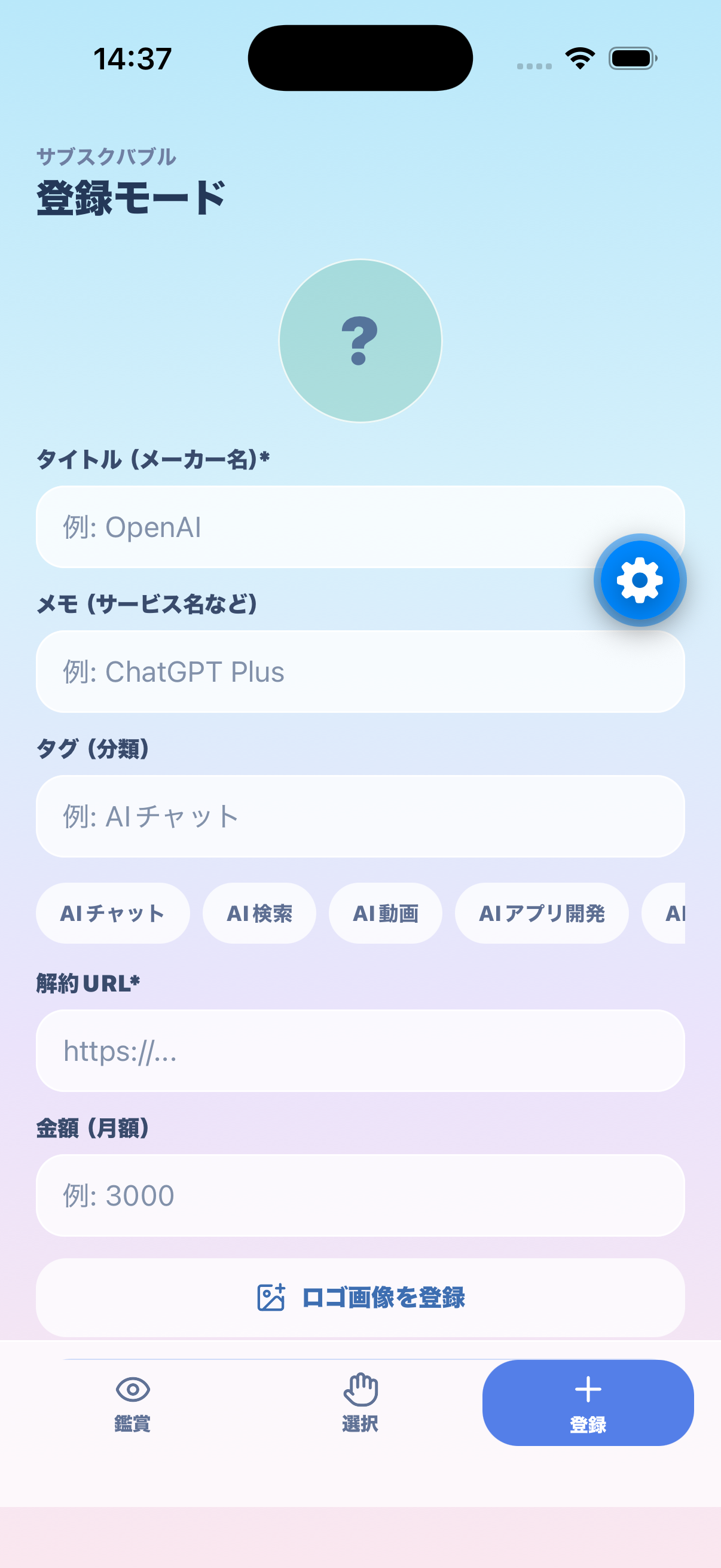
Free to Use
Subscription Bubble is free to use. Account registration and login are not required, and entered data is stored on your device.
Support
Thank you for using Subscription Bubble. For questions, feature requests, or bug reports, please contact us at the email address below.
gakushijob@gmail.com
- App name: Subscription Bubble
- App version
- iOS / iPadOS version
- Device model
- Screen where the issue occurred
- Description of the issue
- Steps to reproduce if possible
Frequently Asked Questions
No. You can use all features without logging in.
All data is stored on your device. It is not sent to the developer server or external services.
You can export your data as a CSV file and import it on a new device.
Photo library access is used only when you choose a logo image for a registered service. The app does not access photos you do not select.
The app is free to use.
On-device data will be deleted. Export important data as CSV before uninstalling the app.