LabNote Chem
Chemistry Lab Notebook and Reagent Management for iPhone and iPad.
LabNote Chem is an electronic lab notebook app for managing chemical experiment records, reagent information, inventory, equipment, molecular structures, and calculation notes — all in one place.
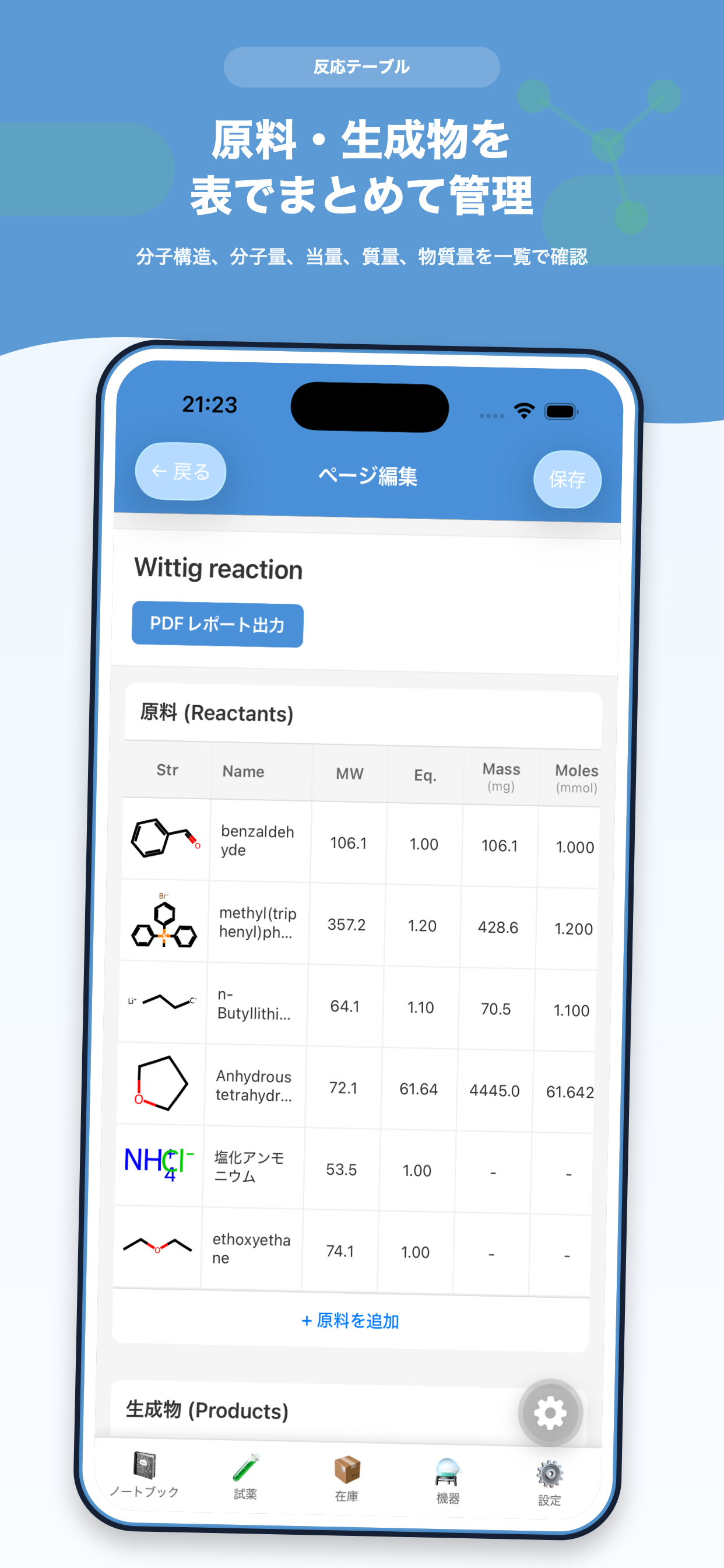
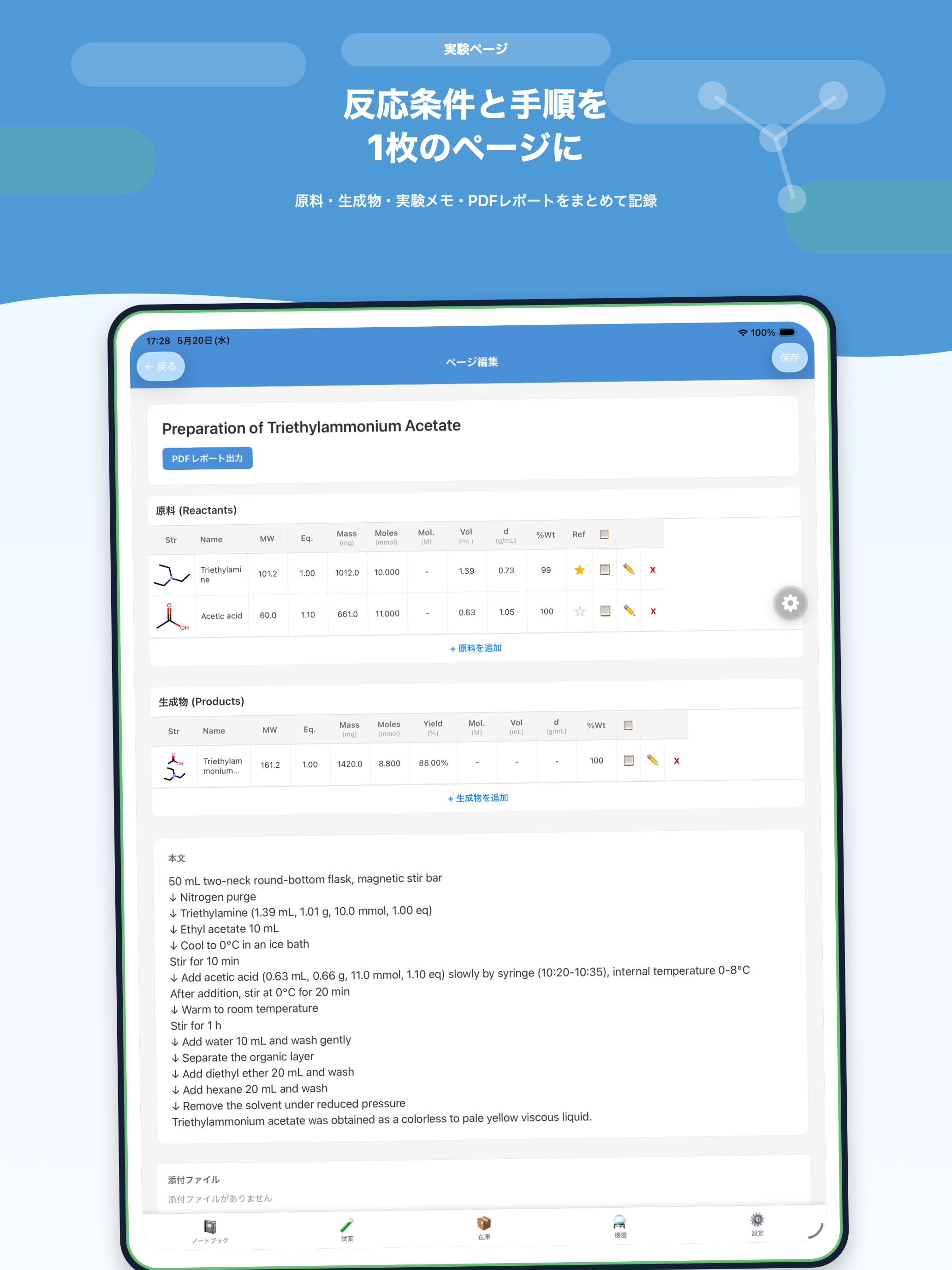
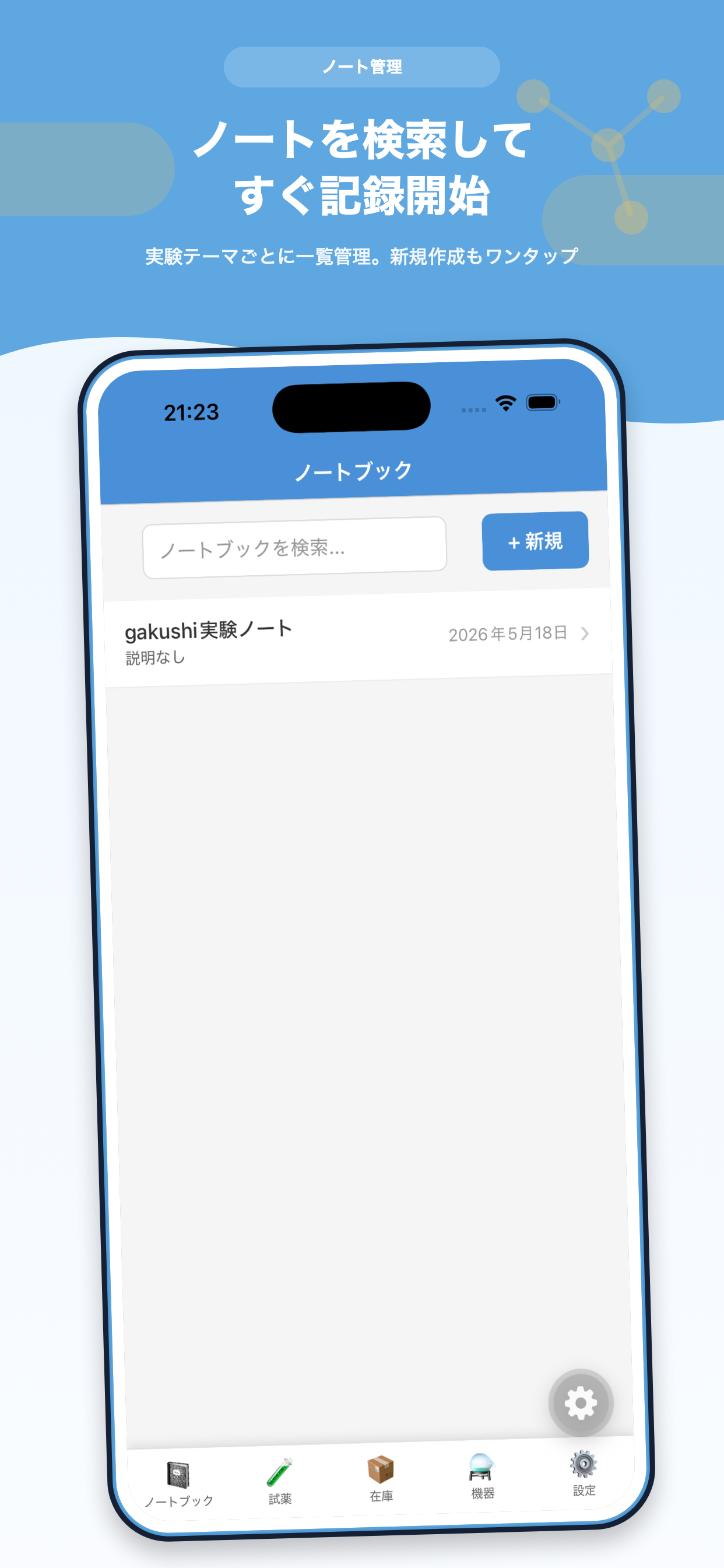
Experiments, Reagents, Inventory, and Equipment in One Workflow
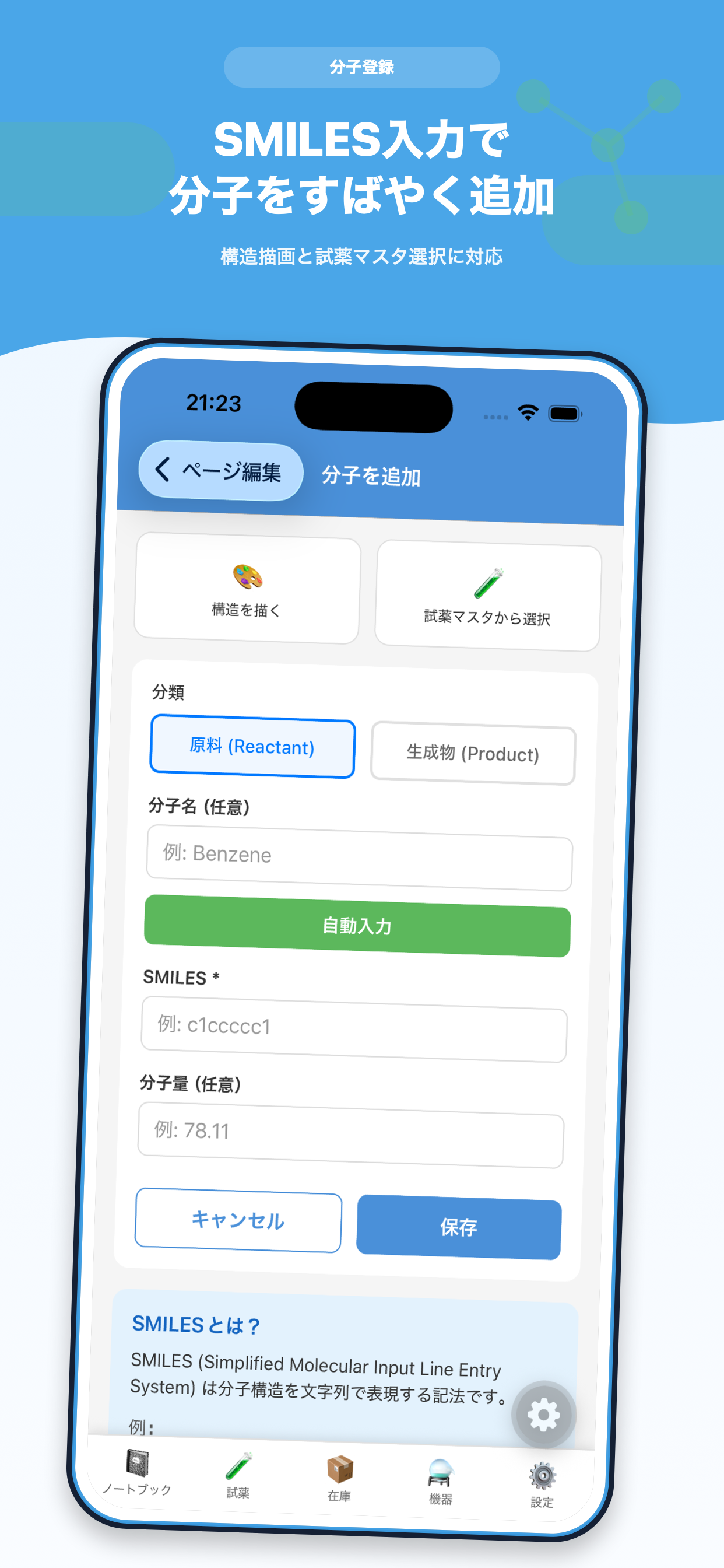
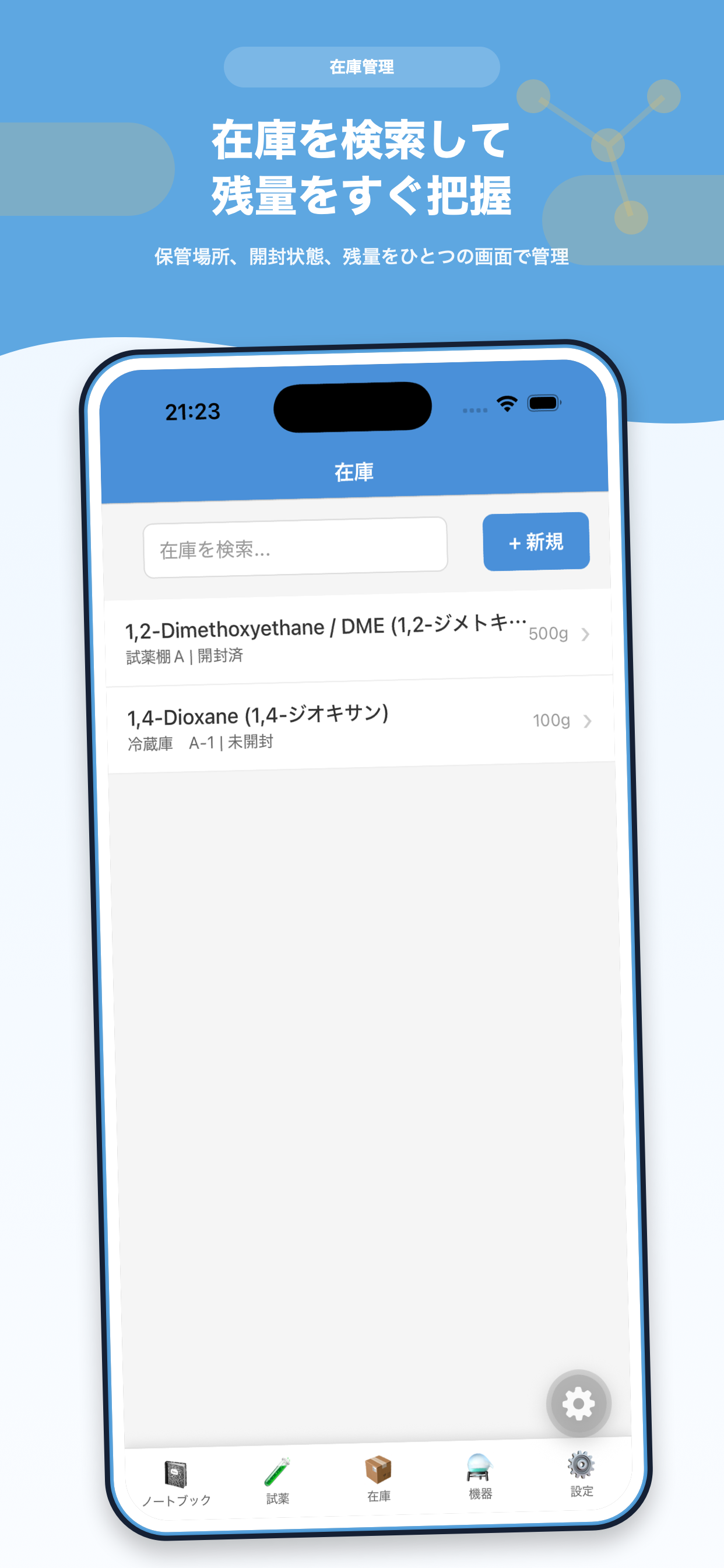
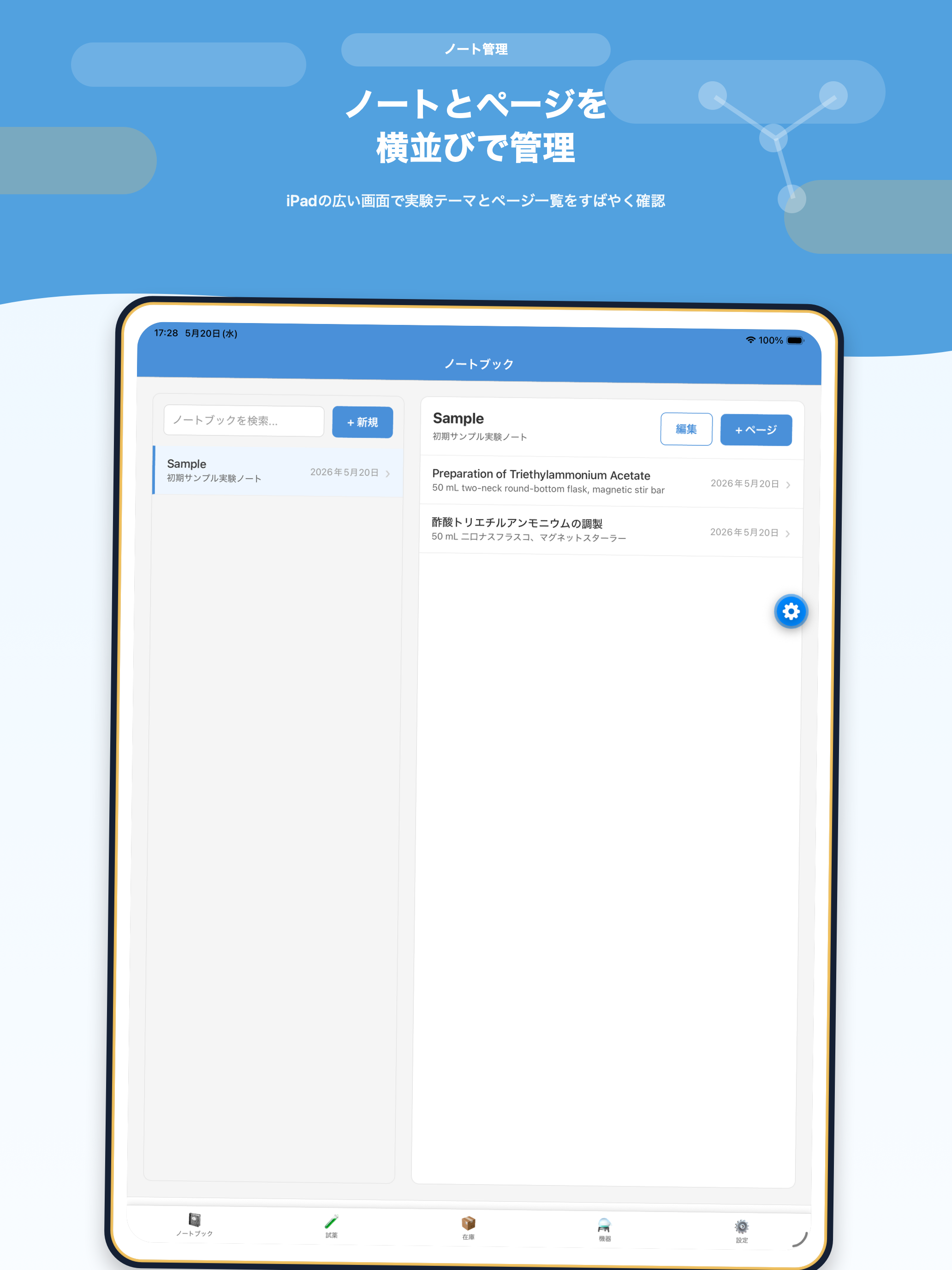
Organize experiments with notebooks and pages, and record observations, notes, photos, file attachments, and generate PDF reports. Register reagent master data including name, CAS number, molecular weight, purity, density, SMILES, and notes. Manage inventory with manufacturer, lot number, storage location, opened status, remaining quantity, and units.
LabNote Chem Pro
LabNote Chem Pro is a one-time, non-consumable in-app purchase. Pro unlocks import/export functionality for reagent master data, inventory, equipment, and notebooks.
Support
Thank you for using LabNote Chem. For bug reports, questions, or support requests, please contact us at the address below.
gakushijob@gmail.com
- App name: LabNote Chem
- App version
- iOS / iPadOS version
- Device name
- Screen where the issue occurred
- Description of the issue
- Steps to reproduce
Frequently Asked Questions
LabNote Chem is designed as a local-first record management app. Notebooks, pages, reagents, inventory, equipment, molecules, attachments, settings, and purchase status are stored primarily on your device.
No account is required. Simply create a local username on first launch to get started.
LabNote Chem Pro unlocks import/export functionality for reagent master data, inventory, equipment, and notebooks. You can manage your purchase and restore it from Settings > Data Management in the app.
Yes. LabNote Chem Pro is a non-consumable in-app purchase, so you can restore it on any device using the same Apple ID. Go to Settings > Data Management in the app to restore.
Deleting the app may remove on-device data that has not been exported or backed up. Please export important data as needed to keep it safe.